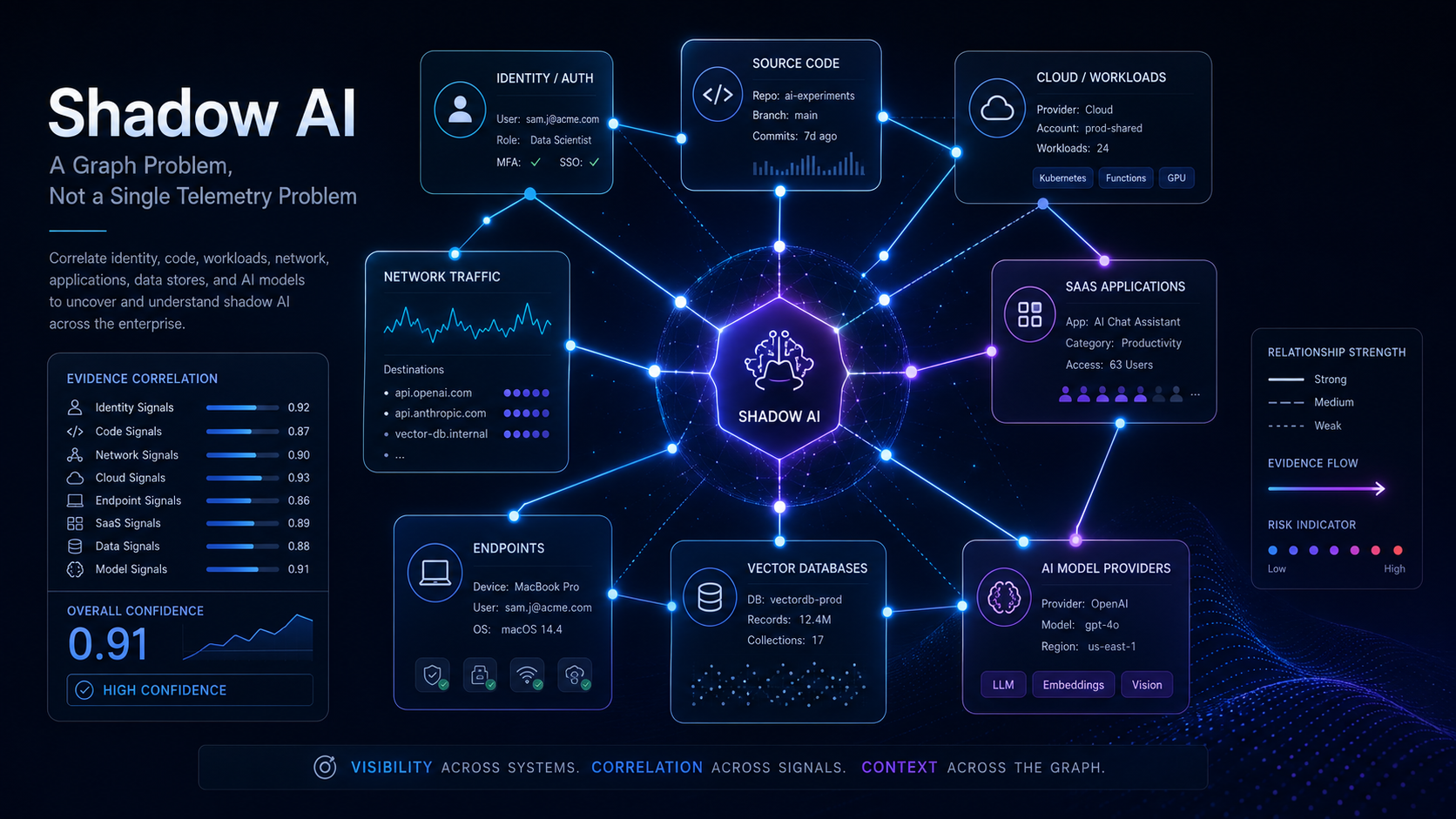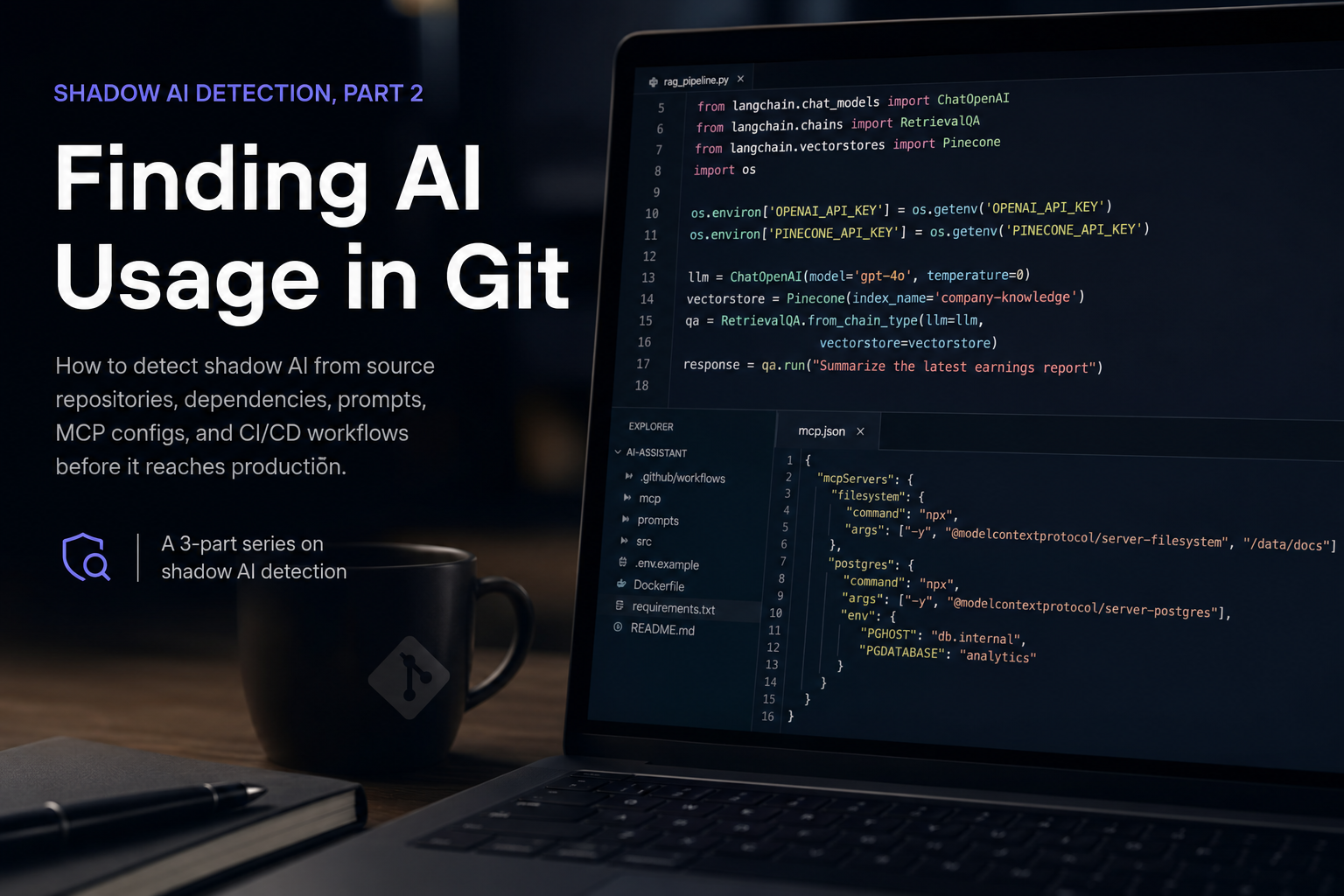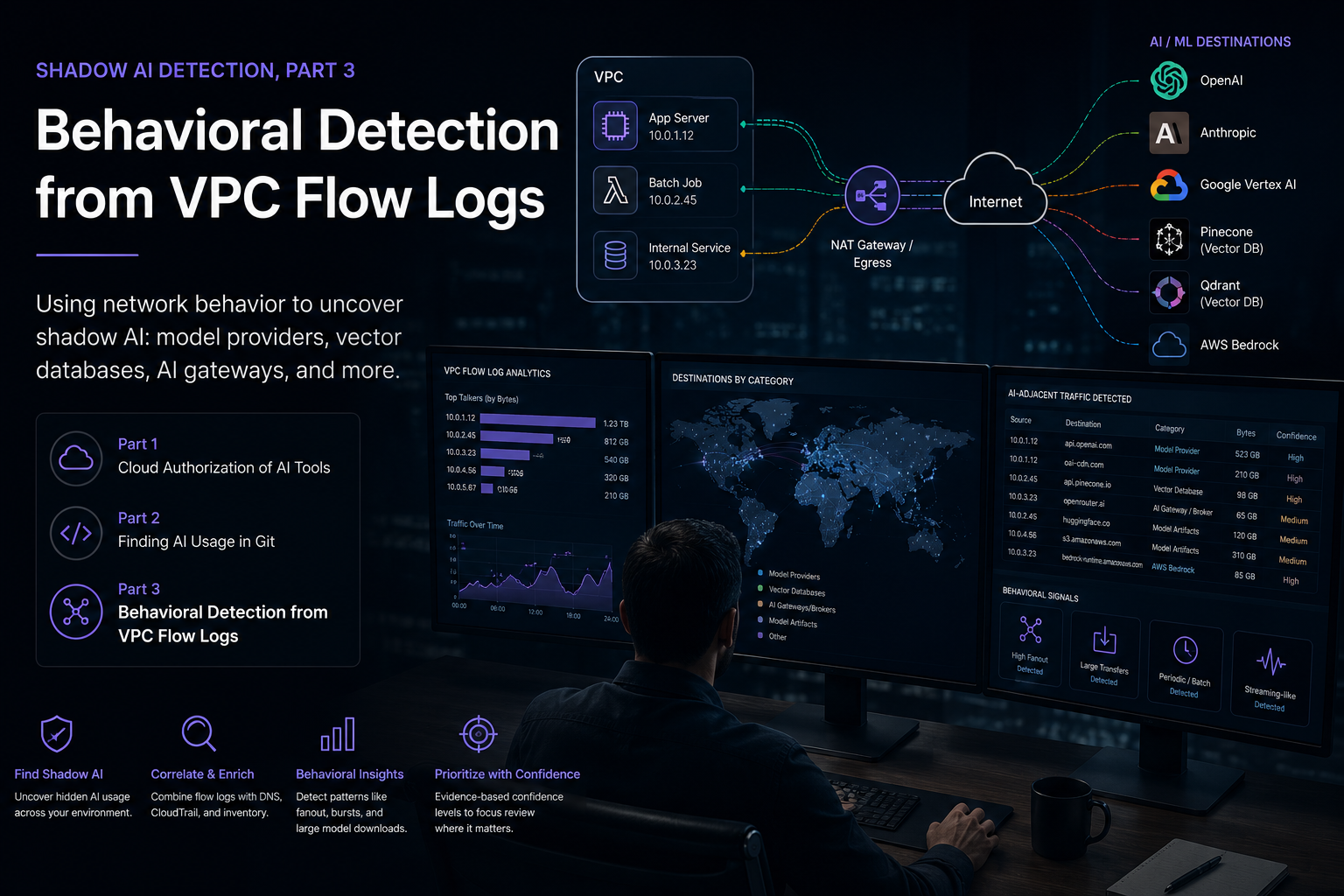
This is part 1 of a three-part series on shadow AI detection. It focuses on cloud authorization evidence: who granted AI tools access, what scopes they received, and how to validate the current control state.
- Part 1: Cloud Authorization of AI Tools
- Part 2: Finding AI Usage in Git
- Part 3: Behavioral Detection from VPC Flow Logs
Open-Source Skills
- Google Workspace Shadow AI Detection
- Google Workspace Evidence Export
- Google Workspace Security Weekly Report
Employees rarely wait for a formal AI governance program before they start using AI. They sign in with Google, authorize a meeting assistant, connect a writing tool to Drive, install an automation app, or test an AI coding product with their work identity. Some of that usage is legitimate productivity improvement. Some of it quietly grants third-party applications access to email, documents, calendars, source code, or business data.
For MDR teams, the practical question is not whether AI exists in the environment. It does. The useful question is: which AI tools have been enabled, by whom, with what access, under which controls, and with what evidence quality?
This post describes a reusable Google Workspace-focused approach for detecting shadow AI using Admin Reports, OAuth evidence, access-evaluation logs, Gemini Workspace activity, Drive exposure signals, and configuration snapshots. It is based on field work converting one-off customer investigation logic into open-source Claude/Codex skills.
Why Google Workspace Is a High-Value Shadow AI Source
Google Workspace is often the first control plane where employee AI usage becomes visible. Even when the AI application itself is not managed by the organization, employees frequently authenticate with Google or grant OAuth access to Workspace resources.
That creates several useful evidence sources:
- OAuth token grants show which applications received user authorization.
- OAuth scopes show what data the application requested.
- Access-evaluation logs provide context on app-access control decisions.
- Admin audit logs show policy changes such as trusted, limited, blocked, or exempt app status.
- Gemini Workspace audit logs show first-party AI feature usage.
- Drive audit logs show whether files were shared externally, downloaded externally, or exposed through public-like visibility.
- Customer usage reports summarize tenant-wide security and configuration posture.
The strongest MDR outcome comes from correlating these sources rather than relying on app-name keyword matching alone.
The Detection Model
The core detection model separates evidence into confidence levels. This avoids overstating weak signals while still surfacing activity worth review.
Confirmed OAuth Grant
A confirmed OAuth grant is the strongest third-party signal. It comes from the Google Workspace token feed and indicates that a user authorized an application.
Examples of useful fields include:
- Actor or user email.
- Application name.
- OAuth client ID.
- Event name.
- Requested or granted scopes.
- Source IP.
- Timestamp.
If the app name, client context, or scope text matches AI indicators, this becomes a high-value shadow AI lead.
Access Evaluation Context
The access_evaluation feed is useful but should be interpreted carefully. It may indicate app-access policy evaluation, contextual access checks, allow decisions, or block decisions depending on the event and parameters.
Access-evaluation evidence is valuable for triage, but it should not be treated as equivalent to a confirmed OAuth grant unless the event parameters clearly support that conclusion.
Workspace Gemini Usage
The gemini_in_workspace_apps feed is different from third-party shadow AI. It reflects first-party Gemini usage inside Workspace applications.
That evidence is still important because it answers governance questions such as:
- Which users are using Gemini features?
- Which Workspace apps are involved?
- Is first-party AI usage happening in expected teams?
- Does the organization have matching policy, training, and data-handling guidance?
Admin OAuth Control Changes
The admin feed provides control-plane context. It can show whether an administrator added an app to trusted, limited, blocked, OAuth-scope trusted, or context-aware access exempt lists.
Relevant admin events include:
ADD_TO_TRUSTED_OAUTH2_APPSREMOVE_FROM_TRUSTED_OAUTH2_APPSADD_TO_LIMITED_OAUTH2_APPSREMOVE_FROM_LIMITED_OAUTH2_APPSADD_TO_BLOCKED_OAUTH2_APPSREMOVE_FROM_BLOCKED_OAUTH2_APPSADD_TO_TRUSTED_BY_OAUTH_SCOPE_OAUTH2_APPSREMOVE_FROM_TRUSTED_BY_OAUTH_SCOPE_OAUTH2_APPSADD_TO_CAA_EXEMPT_OAUTH2_APPSREMOVE_FROM_CAA_EXEMPT_OAUTH2_APPS
For investigations, a 180-day admin lookback is often more useful than a one-week window because app-control decisions may predate current user activity.
Keyword-Only Signals
Keyword-only detection is useful for discovery but weak as evidence. Names such as agent, studio, or automation can be legitimate non-AI products. They should be used to enrich a queue, not to make a final finding.
The detection logic should distinguish between:
- Strong app indicators such as OpenAI, ChatGPT, Claude, Anthropic, Gemini, AI Studio, Read AI, Otter, Perplexity, Cursor, or Copilot.
- Contextual indicators such as workspace studio, automation, assistant, or agent.
- Risky scopes that matter even when the application name is ambiguous.
OAuth Scope Risk Matters More Than App Names
A shadow AI finding is not only about whether a tool is AI. The practical risk is what the tool can access.
High-risk Google OAuth scope categories include:
- Gmail read, send, modify, or full-mailbox scopes.
- Drive read/write or broad Drive file scopes.
- Docs, Sheets, and Slides read/write scopes.
- Calendar read/write scopes.
- Admin SDK directory, user, group, role, or reports scopes.
- Apps Script execution and external request scopes.
- Broad cloud or automation scopes that can bridge data into other services.
An AI note-taking tool with calendar-only access may be a medium governance issue. An AI tool with Gmail and Drive access can become a high-priority data exposure issue. An app with Admin SDK access requires immediate validation even if the app name does not look like AI.
This is why the reusable skill writes both shadow_ai_oauth_events.csv and broad_oauth_events.csv. The first file answers “which AI-like tools appeared?” The second answers “which OAuth grants look risky regardless of AI classification?”
Drive Exposure Is Part of the AI Story
Shadow AI does not always appear as an OAuth grant. Users can also export or expose data before pasting it into an AI service. Google Drive logs help identify adjacent exposure patterns.
Important Drive signals include:
- External direct grants through
change_user_access. - External downloads by non-internal actors.
- Access requests involving outside identities.
- Public-like visibility such as
people_with_link,shared_externally, orpublic. - Ownership transfer involving externally visible files.
These signals do not prove AI usage by themselves. They provide context for whether sensitive data may have been made available to third parties during the same reporting period.
Authentication and Admin Context
A useful weekly AI detection report should also include authentication and configuration context. Shadow AI response decisions often depend on whether the tenant has strong identity controls and whether suspicious activity coincided with account risk.
Useful login signals include:
- Login failures aggregated by user.
- Login failures aggregated by source IP.
- Risky sensitive actions allowed or blocked.
- Password changes.
- 2SV enrollment or disablement events.
Useful admin signals include:
- Role assignment.
- User creation, suspension, archive, or deletion.
- Password reset.
- Sign-in cookie reset.
- SSO or SAML changes.
- OAuth app-control changes.
- Context-aware access changes.
- Drive sharing policy changes.
These signals help distinguish routine adoption from riskier account or policy drift.
Configuration Snapshot Metrics
Customer usage reports add tenant-level posture to the weekly report. They are especially useful because missing controls can change the severity of otherwise similar OAuth findings.
Useful metrics include:
- Total users.
- Suspended, archived, and disabled accounts.
- 2SV enrolled, enforced, and protected users.
- Security key and passkey enrollment.
- Authorized app counts.
- Less-secure app access counts.
- Drive externally visible item changes.
- Gmail IMAP and POP usage.
- External Meet activity.
A missing metric should be reported as not_available, not as zero. That distinction matters because absence of evidence from the usage report is not evidence that the control is absent or that activity did not occur.
The Reusable Skill Layout
The implementation is split into three skills so that collection, detection, and reporting remain separate.
google-workspace-gws-export
This skill handles evidence collection through the gws CLI. It uses read-only Admin Reports and Usage Reports scopes and exports raw feed data into an evidence directory.
Default feeds include:
admindrivelogintokenaccess_evaluationgemini_in_workspace_appsuser_accounts
The key design choice is preserving raw evidence. Collection should not normalize, deduplicate, or overwrite audit logs. Downstream analysis can create derived CSV and JSON files beside the raw files.
google-workspace-shadow-ai-detection
This skill analyzes exported evidence for AI-related OAuth and app-access signals. It produces:
shadow_ai_summary.jsonshadow_ai_oauth_events.csvbroad_oauth_events.csvgemini_workspace_events.csvoauth_admin_control_events.csv
It also includes references for app-name patterns, OAuth scope risk, and Admin Console validation.
google-workspace-security-weekly-report
This skill builds a weekly report from the exported evidence. It consolidates:
- Shadow AI OAuth events.
- Broad OAuth events.
- Gemini Workspace events.
- Drive external exposure.
- Login and authentication risk.
- Admin configuration changes.
- Customer usage report metrics.
The output includes Markdown, CSV, and JSON artifacts designed for MDR review and customer reporting.
Recommended Weekly Workflow
A practical weekly workflow looks like this:
- Define the reporting window in UTC.
- Export Google Workspace evidence with read-only scopes.
- Run shadow AI detection against the evidence directory.
- Run the weekly report builder against the same evidence directory.
- Review high-confidence OAuth grants first.
- Review broad OAuth scopes next, even if app names are not AI-specific.
- Check Gemini usage as first-party AI activity.
- Review Drive exposure and risky login context.
- Validate current app state in Admin Console.
- Produce customer-ready recommendations.
The most important operational rule is to validate current state before recommending enforcement. Audit logs can show what happened, but Admin Console confirms what is true now.
Admin Console Validation Checklist
Before saying an app is allowed, blocked, trusted, or limited, validate it directly:
- Go to Security > API controls > App access control.
- Search by app name and OAuth client ID.
- Confirm whether the app is trusted, limited, blocked, configured, or unconfigured.
- Confirm whether domain-wide delegation exists.
- Confirm whether the app applies to all users, selected OUs, groups, or individuals.
- Compare current state with admin audit history.
- Identify a business owner before blocking or changing access.
This validation step prevents a common reporting error: treating historical admin events as current configuration.
Reporting Language That Avoids Overclaiming
Precise language matters. Recommended phrasing:
- “The token feed shows user authorization for an AI-like OAuth application.”
- “The access-evaluation feed shows app-access evaluation context and requires control-state validation.”
- “The Gemini Workspace feed shows first-party AI feature utilization.”
- “The app requested broad Drive/Gmail/Admin scopes and should be reviewed for business justification.”
- “Current trusted, limited, or blocked status was not validated in Admin Console.”
Avoid unsupported phrasing such as:
- “The app exfiltrated data.”
- “The AI tool is currently allowed.”
- “The user uploaded sensitive files.”
- “No shadow AI exists.”
The evidence usually supports authorization, access scope, policy state, and activity context. It rarely proves content-level data movement without additional logs.
Public Repo Data Hygiene
The reusable skills are designed for a public repository, so data hygiene is strict:
- Do not commit customer exports.
- Do not commit raw Admin Reports logs.
- Do not commit generated customer reports.
- Do not commit real user emails, domains, client IDs, screenshots, or tenant-specific configuration.
- Use synthetic fixtures for tests.
- Keep customer work products in customer-specific private workspaces.
This separation lets the detection logic improve over time without leaking investigation evidence.
Limitations
Google Workspace evidence is strong, but it is not complete.
It may miss:
- AI tools used with personal accounts.
- AI tools accessed without Google OAuth.
- Browser-only usage where no Workspace data is granted.
- Data copied manually into AI tools.
- AI usage through unmanaged devices or networks.
- Microsoft-authenticated AI applications unless Microsoft Entra evidence is also collected.
That means Google Workspace detection should be one pillar of a broader shadow AI program. Other useful sources include Microsoft Entra sign-ins and enterprise app consent, endpoint telemetry, DNS or proxy logs, CASB/SSE logs, CloudTrail or cloud control-plane logs, source-code dependency scans, and SaaS management platforms.
Practical Outcomes
A good weekly Google Workspace AI detection report should answer five questions:
- Which AI-like tools appeared in OAuth or app-access logs?
- Which users authorized or attempted to access them?
- What Workspace data scopes were requested?
- What first-party Gemini activity occurred?
- Which admin, Drive, login, and configuration signals change the risk assessment?
That turns shadow AI from an abstract governance concern into a concrete queue of users, apps, scopes, controls, and actions.
Conclusion
Shadow AI detection works best when it is evidence-led and confidence-rated. Google Workspace provides enough telemetry to build a practical MDR workflow: collect raw audit feeds, classify OAuth and AI signals, separate confirmed grants from contextual evaluations, correlate Drive and login risk, validate current Admin Console state, and report with precise language.
The three open-source reusable skills encode that workflow so future investigations can start from a repeatable foundation instead of rebuilding the same parsing and reporting logic each time.
Series Navigation
Next: Part 2